






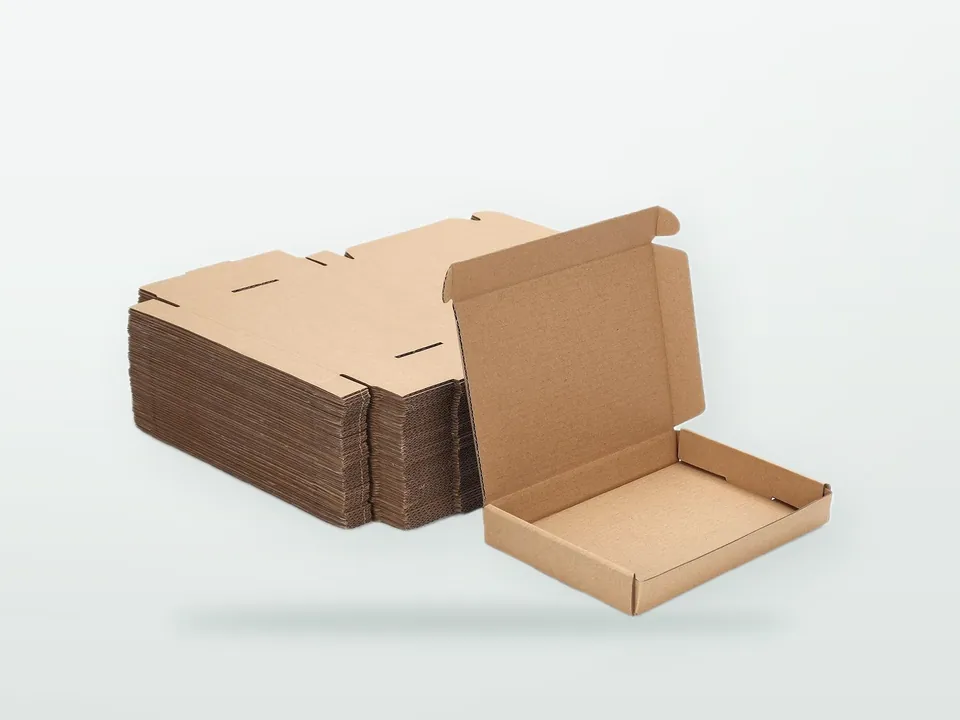





A new carton size looks like an artwork job, but the first cost on the quotation is often tooling. Before a sheet is printed, someone has to draw the packaging dieline, build a cutting die to match it and prove with a sample that the product fits and the carton closes. Mistakes caught at that stage cost a sample; mistakes caught after printing cost a production run. This guide explains how the structural side of a carton is drawn, tooled and prototyped, and how buyers can keep tooling under control across a range. For board, print and styles, see the custom printed folding cartons hub.
What is a packaging dieline?
A packaging dieline is the flat, scaled drawing of a carton blank that shows where the board will be cut, creased, perforated and glued. It is the shared reference for the structural designer, the graphic designer, the die-maker and the printer. Artwork is placed on it, the cutting die is built from it and the folder-gluer is set up to it.
A dieline is drawn in structural CAD software, usually by the converter's structural designer or a packaging engineer, starting from the product dimensions and the chosen style. Free templates exist for common styles, but they rarely account for the board caliper, the flap clearances for a specific board, or the converter's machines, so treat them as a sketch rather than a production file.
What do the lines on a dieline mean?
Each line type tells the die-maker which tool to fit and tells the designer where artwork can and cannot go. Conventions vary between suppliers, so every dieline should carry a legend, but the line types themselves are standard.
| Line type | Typical representation | What happens in production |
|---|---|---|
| Cut line | Solid line | Cutting rule cuts through the board |
| Crease line | Dashed line, or a distinct colour | Creasing rule pushes board into a matrix channel to form a fold |
| Perforation | Dash-dot or labelled line | Perforating rule cuts intermittently for tear-off panels |
| Cut-and-crease (cut-score) | Labelled line | Combination rule partly cuts and creases, for tight reverse folds |
| Partial cut (kiss cut, half cut) | Labelled line | Cuts part-way through the board, for example for reverse folding |
| Glue area | Hatched or tinted zone | Kept free of ink and varnish so the glue bonds to bare board |
| Bleed | Line outside the cut line, typically about 3 mm | Artwork extends here so no white edge shows after cutting |
| Safe zone | Line inside the cut and crease lines | Text and critical graphics stay inside it |
| Finish layers | Separate named layers | Foil, spot UV, emboss and window areas for separate tools |
Artwork rules such as bleed, overprint settings and file formats are covered in the packaging artwork guide. The structural point is simpler: never edit the dieline geometry in the artwork file. If the size or a flap needs to change, the structural designer changes the dieline and reissues it.
How is a dieline turned into a printed sheet layout?
The converter repeats the carton blank as many times as fit on the press sheet, known as the number of "ups", and arranges blanks to share cut lines and minimise waste. This layout decides how much board each carton uses and which cutting die is built. Styles whose blanks nest well, such as reverse tuck end cartons, waste less board than styles that do not.
Sheet layout is also where grain direction is fixed, because all blanks on a sheet share the same board grain. The structural designer balances board use, grain direction and press sheet size. A carton that is slightly larger than an efficient layout can push the job to fewer ups per sheet, raising the board cost per carton noticeably. If the product allows it, asking the converter which dimensions give an efficient layout before fixing the size can save more than any finish change. Board grades and their stiffness are compared in FBB vs SBS vs WLC.
How does a steel rule cutting die work?
A steel rule cutting die is a flat board, typically laser-cut plywood or a composite, with thin hardened steel rules bent to the shape of the blanks and inserted into the cut slots. Sharp cutting rules cut the board; rounded creasing rules press it into a matching channel to form folds. Rubber ejection strips push the board off the rules after each impression.
In the die-cutter, the printed sheet is pressed between the die and a counter plate. The creasing rules push the board into channels on a creasing matrix (also called a counter) fixed to the counter plate. The width and depth of each channel are chosen to suit the board caliper and creasing rule. If the channel is too narrow, the board cracks along the fold; if it is too wide, the fold is weak and the carton does not square up. Getting this right matters most on thick boards, recycled board and laminated or heavily varnished surfaces, which crack more easily.
Related tools may also be needed:
- Stripping tools remove waste from inside windows and between blanks on the die-cutter.
- Blanking tools separate the finished blanks from the sheet automatically.
- Foil and embossing dies (brass, magnesium or copper) are separate tools for those finishes; see carton finishes.
- Window-patching and folder-gluer set-ups are machine settings rather than separate tools, but they follow the dieline.
Rotary dies (cylindrical) are used on web-fed lines such as gravure or flexo with inline die-cutting; they cost more but suit very long runs.
What drives cutting die cost?
Cutting die cost depends mainly on the size of the die, the total length and complexity of the rules (number of ups, curves, perforations, small details), and any extra stripping or blanking tools. A die is a one-time cost per structure and size. It is reused for repeat orders and for any artwork run on the same dieline.
| Driver | Effect on tooling cost |
|---|---|
| Sheet size and number of ups | More blanks per die means more rule length, but lower cost per carton in production |
| Rule complexity | Curves, tight radii, perforations and cut-creases add work |
| Windows and internal cut-outs | Need stripping tools and more rules |
| Automatic blanking | Adds a blanking tool |
| Embossing and foil | Separate dies per design element |
| Number of sizes | Each size needs its own die |
| Rotary vs flat | Rotary dies cost more but suit long web-fed runs |
Ways to keep tooling under control:
- Standardise sizes across a range so several products share one structure and die, with only the artwork changing.
- Reuse an existing dieline from the converter's library where the product fits.
- Confirm the structure on white samples before ordering the die, so the die is made once.
- Ask who owns the die, how long the supplier stores it and whether it can be reused for later orders.
How tooling fits into unit price and minimum quantities is covered in packaging cost drivers and packaging MOQ.
Which samples should you approve before production?
Approve structure first, graphics second. A typical sequence is a 3D CAD render to check proportions, an unprinted white sample to test fit and closing, a digitally printed mock-up to check graphics on the 3D form, and a printed proof for colour. Not every project needs all four, but skipping the white sample is a common cause of costly rework.
| Sample stage | What it is | What it proves | What it does not prove |
|---|---|---|---|
| 3D CAD render | Virtual folded carton from the dieline | Proportions, artwork placement on panels | Fit, board behaviour, colour |
| White sample | Unprinted carton cut on a sample cutting table from production board | Product fit, closure, flap clearances, rigidity | Colour, finish behaviour |
| Printed mock-up | Digitally printed and plotter-cut carton | Graphics on the 3D form, copy, barcodes | Production colour, finish on press |
| Colour proof / press proof | Contract proof or press sample on the production board | Colour and print quality | Mechanical performance in volume |
| Pack-line trial | Batch run on the customer's cartoner | Machinability at speed | Shelf performance |
White samples are made without a die, using a digital cutting table that cuts and creases from the CAD file. That makes them cheap and quick compared with tooling and production, and they should be made in the board grade and caliper intended for production. Test them with the real product: fill, close, shake, stack in the shipper case and open as a shopper would. Approval stages and quality checks during production are explained in packaging quality control.
Common dieline and tooling mistakes
- Giving external dimensions or mixing up length and width; carton dimensions are normally internal, L x W x D with the opening defined by L x W. See folding carton styles.
- Using a downloaded template without adjusting for board caliper.
- Moving or resizing dieline elements inside the artwork file.
- Printing or varnishing over glue areas, weakening the seam.
- Placing text, barcodes or fine foil across creases, where they crack or distort.
- Approving artwork before the white sample, then needing a new die.
- Changing board grade or caliper after the die is made; the creasing and sometimes the dieline must be reviewed.
- Ordering separate dies for sizes that differ by a few millimetres when one size would serve both products.
Who owns the dieline and the die?
The buyer usually pays for the cutting die as a separate tooling charge, but ownership follows the agreement, not the invoice. Agree ownership, storage period and reuse rights in writing at quotation. The structural dieline file is often the converter's work and may be shared, licensed or kept, so ask for the file if you plan to dual-source.
When moving a carton between suppliers, sending a production dieline and a flat sample helps the new converter reproduce the structure, but a new die is normally needed for their machines and sheet sizes.
What to send to start a structural design
- Product samples, or exact dimensions and weight, including any variation between products
- Preferred style or a reference carton (flat sample if possible)
- Packing method: by hand or the cartoner model and format range
- Board grade and caliper preference, if known
- Features: window, insert, tear strip, hang tab, display front
- Finishes that need their own tools: foil, embossing, spot UV
- Number of sizes and SKUs, and which could share one structure
- Existing dielines in PDF or a CAD-exchange format, if you have them
The structure and tooling are confirmed at quotation and technical review, usually with a white sample before the die is ordered. Return to the folding carton hub to complete the specification, or send your structure brief to start the dieline.