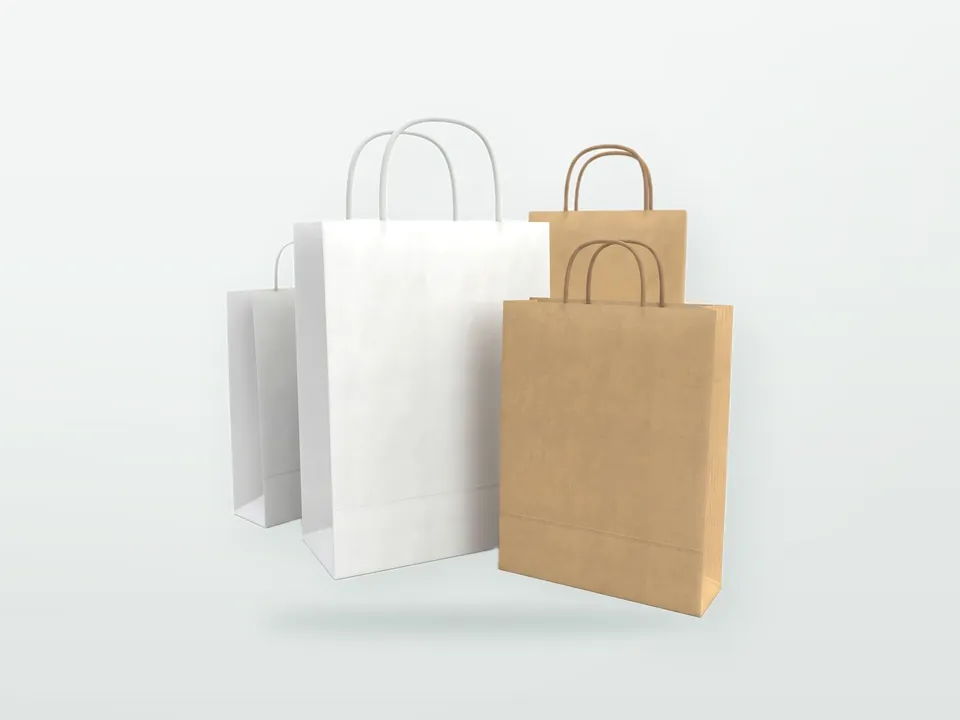
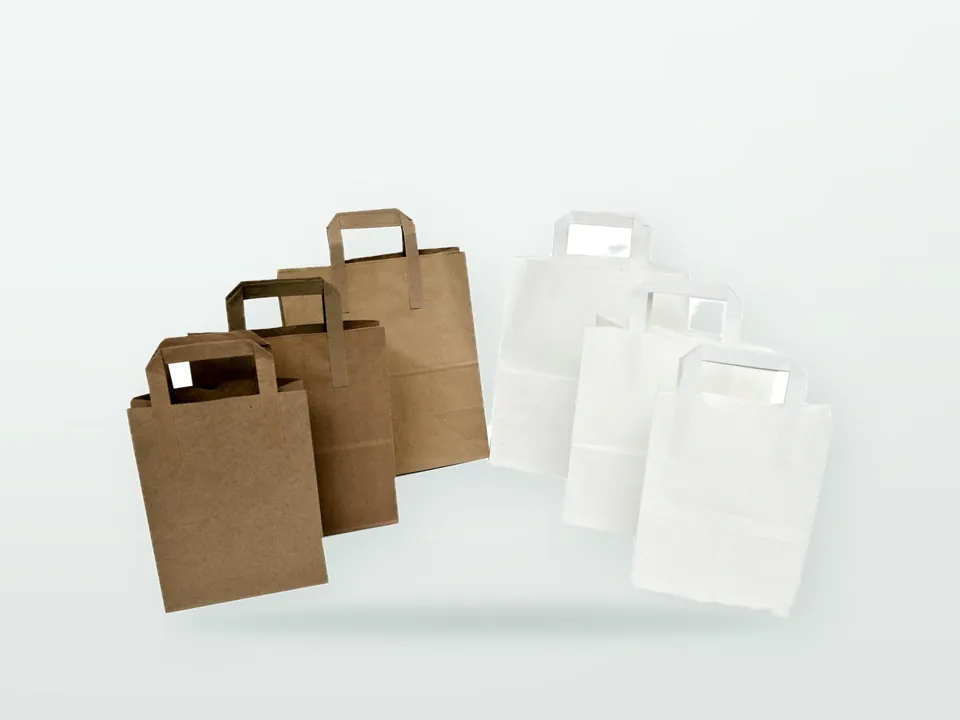
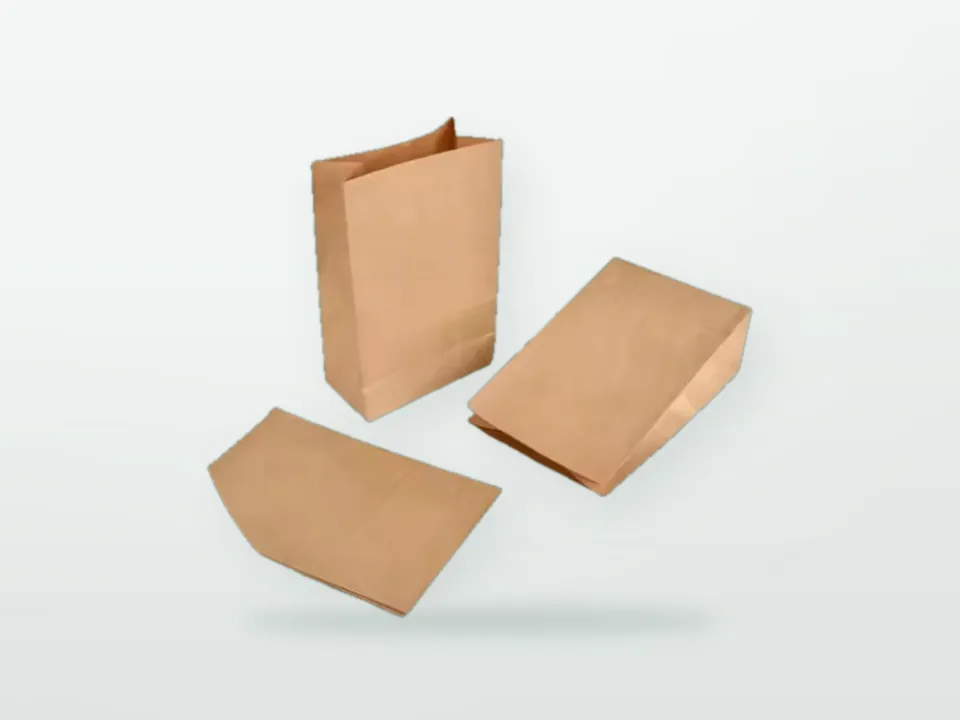
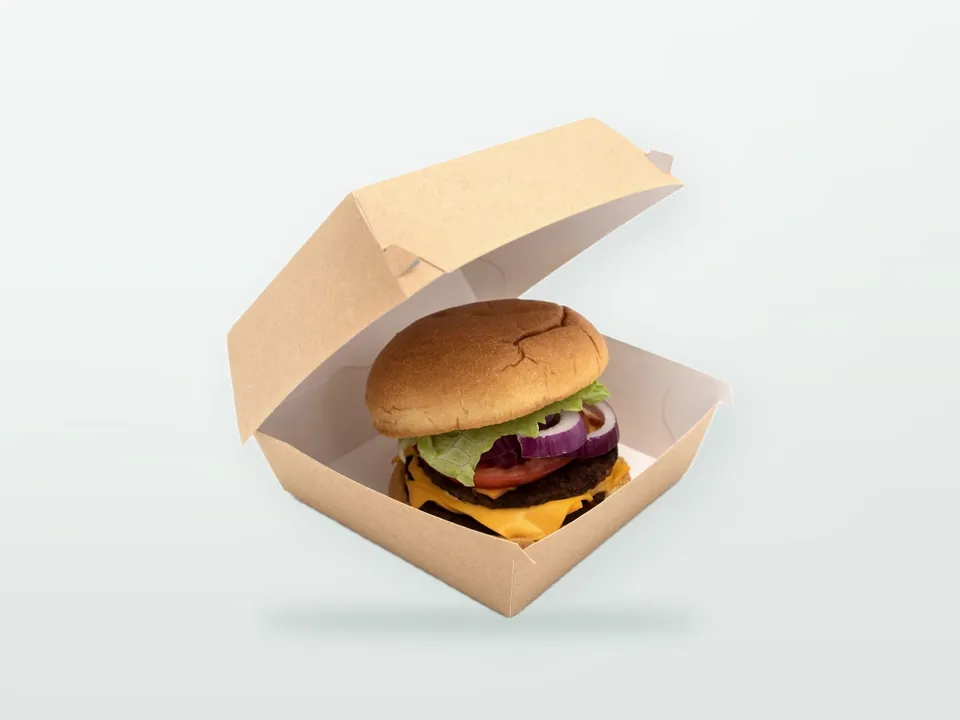

Print-ready packaging artwork is a PDF built on the manufacturer's dieline, with vector logos and text, bleed on every cut edge, key elements inside the safe zone, correct colour and overprint settings, a scannable barcode where one is needed and the marks the destination market requires. When one of these is missing, the order stalls after the price is agreed: a logo supplied as a low-resolution JPEG, text running over a fold, a barcode in red, a design that ignores the dieline. Each round of corrections costs days. This guide sets out the packaging artwork requirements a manufacturer's prepress team will check, explains why each rule exists, and shows how the proof and approval workflow runs from first file to printed sample.
Rules marked as process-dependent vary between flexo, offset, gravure and digital printing, and between substrates such as kraft, board and film. If you have not yet settled the print method, read flexo vs offset vs gravure vs digital printing first, because it changes several of the numbers below.
What files does a packaging manufacturer need?
Supply a print-ready PDF (PDF/X-4 or PDF/X-1a are common standards) built on the manufacturer's dieline, with all text converted to outlines or fonts embedded, images at sufficient resolution, spot colours named correctly, and the dieline on its own non-printing layer. Keep the native source file (Adobe Illustrator, InDesign or equivalent) available in case editing is needed.
In German supplier correspondence print files are called Druckdaten. Whatever the name, the prepress team expects:
| Element | Requirement | Why |
|---|---|---|
| File format | PDF/X-4 or PDF/X-1a; native AI/INDD on request | Standardised, predictable output |
| Logos and text | Vector | Sharp at any size; editable for trapping |
| Images | Raster at about 300 ppi at final printed size (commonly lower acceptable for coarse flexo, confirm) | Avoids pixelation |
| Line art bitmaps | 1,200 ppi or vector | Prevents jagged edges |
| Fonts | Outlined or fully embedded | Prevents font substitution |
| Colours | Named spot colours (e.g. Pantone) and/or CMYK; no RGB | Correct plate separation |
| Dieline | Separate layer, named spot colour, set to overprint, not printing | Shows cut and fold without printing it |
| Bleed | Artwork extended beyond cut lines (see below) | Avoids white edges |
| Scale | 1:1 | Avoids scaling errors on press |
Vector vs raster
Vector graphics are made of mathematical paths and stay crisp at any size; they are right for logos, text, line illustrations and patterns. Raster images (photos, textures) are made of pixels and degrade when enlarged. A logo copied from a website is almost always raster at screen resolution and will print blurred. Ask your designer or agency for the original vector logo (AI, EPS, SVG or PDF with paths).
Resolution
Resolution is only meaningful at final size. A 300 ppi image scaled up 200 % in the layout becomes 150 ppi on press. Upsampling in software adds pixels but not detail. On coarse flexo work on kraft, lower effective resolution may be acceptable because the screen ruling is lower, but leave that judgement to the printer rather than supplying low resolution by default.
Fonts
Outline (convert to paths) all text in the final PDF, or embed fonts fully. Keep a live-text version for later edits, especially for multilingual packaging, ingredient copy or regulatory text that may change.
How should the dieline be set up in artwork?
Place your design on the manufacturer's own dieline for the exact size and style quoted, keep the dieline on a separate top layer in a named spot colour set to overprint, and never move or redraw it. Cut lines, crease (fold) lines, glue areas and perforations are usually shown in different line styles or colours, with a key.
The dieline (Stanzkontur in German) is the flat outline of the pack before it is cut and folded. It belongs to the structural design: it must match the cutting die and folding behaviour of the material. Drawing your own dieline from a competitor's box or an online template is a frequent source of misfits, because board thickness changes panel dimensions. How dielines, cutting dies and structural prototypes are developed is covered in carton dielines, cutting dies and structural prototyping.
Practical points:
- Check which panel is the front and which way the pack opens; mark it if the dieline does not.
- Leave glue flaps and glue areas free of ink and varnish unless the supplier confirms otherwise, since ink can weaken adhesion.
- Confirm whether the inside is printed (common for mailer boxes; see inside printing for mailer boxes).
- For paper cups the artwork is laid out on an arced, fan-shaped blank, and text must be checked for distortion after forming; see paper cup artwork on a tapered cup.
- For bags, artwork covers front, back and gussets; the bottom and seam areas have restrictions set by the bag-making machine.
How much bleed does packaging artwork need?
Bleed is the extra artwork extended beyond the cut line so that small cutting variations do not leave unprinted edges. For sheet-fed offset cartons and cups, 3 mm is a common standard. Flexo, corrugated and reel-fed bag work often needs more, sometimes 5 mm or larger, so always confirm the figure with the manufacturer for your specific product.
Bleed applies wherever print runs to a cut edge. It is not needed along fold lines, but colour should continue across folds without a gap. Where a background colour wraps around a pack, continue it past every cut line by the agreed bleed amount.
What are safe zones and minimum sizes?
A safe zone is a margin inside cut and fold lines where important elements (text, logos, barcodes) should not be placed, because cutting, folding and forming vary slightly. A safe zone of around 3 to 5 mm from cuts and folds is common; minimum text and line sizes depend on process and substrate.
Indicative minimums are shown below. They are starting points for discussion, not guarantees; the manufacturer confirms limits for the specific press, plate and material.
| Element | Offset on coated board (indicative) | Flexo on paper or kraft (indicative) | Notes |
|---|---|---|---|
| Positive text (dark on light) | ~5-6 pt | ~6-8 pt | Sans-serif holds better than thin serif |
| Reversed text (light out of dark) | ~7-8 pt, medium weight | ~8-10 pt, bold | Ink spread fills in thin reversed shapes |
| Positive line weight | ~0.1 mm | ~0.2-0.25 mm | Thinner lines may break up |
| Reversed line weight | ~0.15-0.2 mm | ~0.3 mm or more | |
| Small text in multiple colours | Avoid | Avoid | Register variation causes colour fringes |
Highlights and gradients are also process-dependent. Flexo has a minimum printable dot, so gradients that fade to zero can end with a hard edge; the printer may adjust the vignette. On brown kraft, very light tints disappear entirely.
Overprint, knockout and trapping
By default, a top colour knocks out (removes) the colours beneath it, so each ink prints on bare substrate. Overprint means the top colour prints over the colour below. Black text normally overprints to avoid gaps; other colours should only overprint when intended, because inks are transparent and colours mix. Trapping is a small deliberate overlap between adjacent colours that hides slight misregistration on press.
- Set small black text and thin black lines to overprint; set large black areas to a rich black only if the printer agrees (see below).
- Never set white objects to overprint: white on overprint disappears on press.
- The dieline layer and technical marks should overprint so they do not knock holes in the artwork.
- Trapping is usually applied by the printer's prepress team, because trap width depends on the process (wider on flexo and corrugated than on offset). Leave adjacent colours butting cleanly and tell the printer if you have already applied traps.
- Rich black (black plus other process colours) gives a deeper black on offset but must stay within the printer's total area coverage limit, which varies by process and substrate; on flexo bags 100 % black alone is often preferred.
When is a white underprint needed?
A white underprint is an opaque white ink layer printed beneath colours so they stay bright on non-white substrates. It is commonly needed on brown kraft, transparent or metallised film and some coloured boards. Set it up as a separate spot colour layer (often named "White" or "White_Underprint") that the printer can make into its own plate.
Usually the white is slightly choked (pulled in) relative to the colours above so it does not peek out at edges. Your printer will advise on the choke amount. On porous kraft, white ink is rarely fully opaque in one pass, so expect brighter but not white-paper results. What kraft and film do to colour, and how to set colour targets, is explained in Pantone vs CMYK in packaging.
How should barcodes be placed on packaging?
Use barcodes generated to GS1 specifications at an allowed size, print them in dark bars (ideally black) on a light background, keep the full quiet zones clear, avoid placing them over folds, seams or curves, and have the printed result verified. Wrong colour combinations, truncated height and quiet-zone violations are the most frequent causes of scanning failures.
- EAN-13 and UPC-A are the retail symbols for consumer units. The nominal EAN-13 size at 100 % magnification is about 37.29 x 25.93 mm including quiet zones; GS1 allows a range of magnifications (commonly 80 % to 200 %), but smaller sizes leave less margin on absorbent paper.
- Colour: scanners read with red light, so red, orange and yellow bars are invisible to them. Black or very dark blue/green bars on white or very light backgrounds work best. On brown kraft, use a white panel behind the code.
- Bar orientation: on flexo printing the bars are often oriented in the direction of print travel ("picket fence" or "ladder" orientation is agreed with the printer) to limit bar width distortion, and the printer may apply bar width reduction to compensate for ink spread. Supply the barcode as vector and let prepress apply the compensation.
- Verification: printed barcodes can be graded to ISO/IEC 15416. Many retailers expect a minimum grade; ask whether verification is part of the supplier's checks.
Not all foodservice packaging needs a barcode. Packaging used behind the counter (wraps, takeaway bags, cups) usually does not, while retail-sold items such as folding cartons and pouches usually do. Outer cases may also carry logistics barcodes for warehouse handling; these are specified separately.
Which regulatory marks need to go on packaging artwork?
Required marks depend on the product, its material and the market where it is placed. For foodservice the most common are the EU single-use plastic marking on beverage cups, recycling and sorting information, and in some cases food-contact labelling. Obligations depend on your role and market, so confirm requirements with your compliance scheme or authority before final artwork.
- SUP marking on cups (EU): Commission Implementing Regulation (EU) 2020/2151 requires beverage cups containing plastic to carry a marking with a specified design ("PLASTIC IN PRODUCT", printed, on cups made partly of plastic such as PE-lined paper cups; "MADE OF PLASTIC" on cups made wholly of plastic), in the language(s) of the Member State where they are sold. The regulation sets the graphic, minimum size and placement; leave space for it on cup artwork from the start. Cup-specific rules across markets are covered in paper cup rules in Europe and the UK.
- Harmonised EU sorting labels (PPWR): Regulation (EU) 2025/40 provides for a harmonised material-composition label to support consumer sorting. The label is expected to apply from 12 August 2028 or 24 months after the implementing act, whichever is later; the implementing act and final design had not been confirmed at the time of writing, so check the current status before designing it in. See PPWR explained for packaging buyers.
- UK recycling labelling: mandatory recyclability labelling was removed from the UK EPR regulations pending alignment, with no confirmed date at the time of writing; the OPRL scheme remains voluntary. See UK packaging regulations.
- US: printed requirements vary by state, for example markings on recycled paper carryout bags under California SB 1053, and restrictions on recycling symbols and "recyclable" claims under California SB 343 (enforcement preliminarily enjoined by a federal court since 14 July 2026; check status). See US foodservice packaging regulations.
- Food-contact labelling (EU): Regulation (EC) 1935/2004 Article 15 requires food-contact materials not yet in contact with food to be labelled "for food contact", with a specific statement, or with the glass-and-fork symbol, unless their purpose is obvious. For B2B supplies this information often travels on the outer case or documentation rather than every item; confirm with your compliance adviser. Background in food-contact packaging compliance.
- Environmental claims: words such as "eco-friendly" or "biodegradable" printed on packaging are increasingly restricted, including under Directive (EU) 2024/825 applying from 27 September 2026. Check wording against recyclable, compostable and biodegradable claims before it goes to print.
Proof types and the approval workflow
Expect a sequence: the manufacturer sends the dieline, you supply artwork, prepress checks and returns a PDF proof showing separations and technical notes, you approve or correct it, and depending on the project a colour proof, ink drawdown or printed pre-production sample follows before production. Production should only start after written approval of a defined proof version.
| Proof type | What it checks | What it does not check |
|---|---|---|
| PDF proof (soft proof) | Layout, text, positioning on dieline, separations, barcodes | Accurate colour, material feel |
| Separation proof / colour breakdown | Number of plates, which elements print in which ink, white layer | Final appearance |
| Contract (colour) proof | CMYK colour intent on a defined print condition | Spot colours on kraft or film, structure |
| Ink drawdown | Spot colour on the real substrate | Layout, full design |
| White or structural sample | Size, fit, folding, closure | |
| Digital or printed pre-production sample | Overall look and fit on near-production materials | Exact production colour if process differs |
| Press approval | Colour and register at production start | Changes to artwork (too late) |
How approval should work
- Use one consolidated set of comments per proof round, from one person with sign-off authority.
- Check everything on the proof, not only what you changed: text, legal copy, allergens or product names if printed, barcodes, logos, colours named, orientation, regulatory marks.
- Approve in writing, quoting the proof version number. In German correspondence this is the Druckfreigabe.
- Once approved, responsibility for content errors (spelling, wrong barcode number, wrong legal text) generally shifts to the buyer, which is why careful checking matters.
- Archive the approved proof and the printed master sample together; they are your reference for reorders and quality checks (see packaging sampling, pre-production approval and quality control).
Artwork checklist before you send files
Run through this list before submitting artwork. It catches most of the issues that cause rejected files and extra proof rounds.
- Artwork placed on the manufacturer's dieline for the exact size and style quoted, at 1:1.
- Dieline on a separate, named, overprinting layer; not moved or redrawn.
- Bleed added to all cut edges as specified by the manufacturer.
- Text, logos and barcodes inside the safe zone and away from folds, seams and glue areas.
- Logos and text in vector; images at adequate resolution at final size.
- Fonts outlined or embedded; live-text version kept.
- Colour mode CMYK and/or named spot colours; no RGB; spot colour names match the colour specification.
- White underprint layer prepared where needed (kraft, film).
- Overprint settings checked: black text overprints, white never overprints.
- Minimum text and line sizes appropriate to the process.
- Barcode generated correctly, dark on light, quiet zones clear.
- Regulatory marks included and sized for the destination market.
- Claims wording checked.
- Proof approval owner and approval step agreed.
The product hubs where artwork questions are most detailed: custom printed paper cups, custom printed folding cartons and custom printed pizza boxes. When you request a quotation from 9 Packaging, an Istanbul-based printed packaging manufacturer and exporter, ask for the dieline for the exact size and style quoted before artwork work begins, and agree how proofs will be approved. To start, send your product details and existing artwork through our contact page, and see the packaging RFQ guide for the other information a quotation needs.